
SilverFlume
I’m excited to share some important information regarding the current status of silverflume and also the nevada secretary of State’s office’s planned launch of a new, streamlined platform called “ORION” which will ultimately replace silverflume and cover every aspect of establishing a new business in nevada.
what is silverflume?
Silverflume was designed by the nevada secretary of State’s office so that you can establish a new business on-line thru their web-site. On-line silverflume includes many tools such as:
• Initial & annual list filings
• qualifying foreign entities
• re-instatement of previously defaulted or revoked entities
• change articles/lists/registered agents
• obtain certificate of good standing
• Create Digital operating agreements
• conduct trademark & trade name searches
• Register Sales tax
• affirm worker comp
• Renew Osha scats (for tracking purposes)
• Entity Search (free)
which filing option should i choose for my business
New business filing options
Situation | filing method | cost
— | — | —
New nev. Llc | articles + initial list + license | $425
New nev. Corporation | articles + initial list + license | $725
Out-of-State LLC/corp doing business in NV | foreign qualification | $425
Active entity renewal | annual List + License Renewal | $350 per year (llc)
Revoked/defaulted entity | reinstatement | $400-$1000+
Change registered agent | cert. Of change | varies
Change officer/manager info | amended list | varies
Provide proof of compliance to bank | cert. Of good standing | varies
Check:
https://www.nvsilverflume.gov/login
Silverflume will soon be replaced by ORION
To ensure a seamless transition from silverflume to ORION for our customers, the nevada secretary of State’s office has defined several stages to support the transition. Certain elements will be removed from silverflume and added to ORION. As each phase occurs, both silverflume and ORION will run in parallel until the final stage of the transition to ORION is announced, at which time all silverflume accounts will be transferred to ORION.
Phase one (december 2025):
Ucc filing system rebuilt.
We expect to be successful.
Phase two (Summer 2026):
Licensing, marks, notary functions will be moved to ORION’s platform.
Users will have access to the following on ORION’s platform:
Plain language forms
Bulk import filing capability
API filing (26 filing types in xml/json format)
Self help chat bot capabilities Business information hub
All systems must be built before they can co-exist until we officially announce the transition from silverflume to ORION is complete.
Once that announcement is made, all the accounts on silverflume will stop functioning. All account login credentials saved will continue to work after migration.
Fillings and payments can be completed once migrations are finished. Users will then have to log back into silverflume to print documents prior to migrating.
Check: https://esos.nv.gov/

ORION
Documents printed from silverflume will be available to users within ORION after the user prints them.
Users are encouraged to save any documents requiring reference post-migration for printing prior to deactivating their account.
Step 1 – create an account
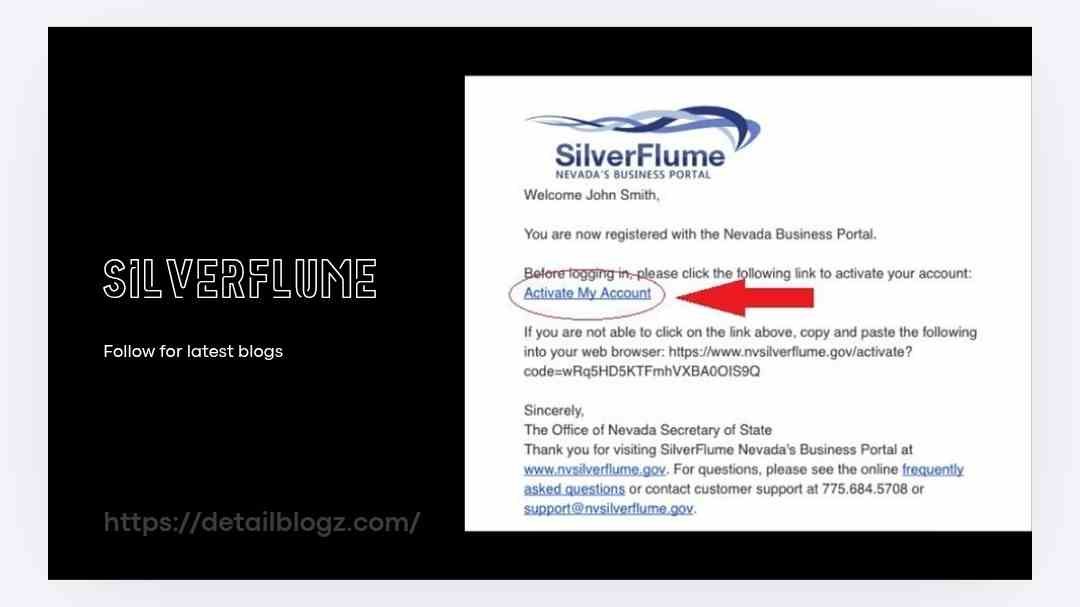
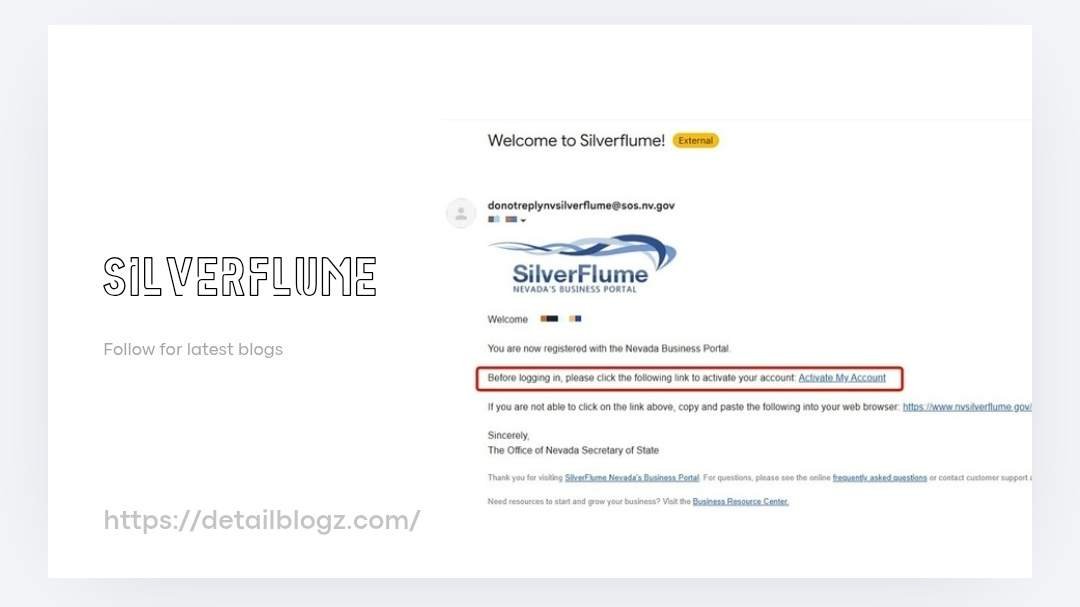
Please go to www.silverflume.gov. Click “create an account”. Follow instructions on screen to create your account. Once created you’ll receive confirmation e-mail from silverflume asking you verify account via verification link provided in email. Follow directions within e-mail and confirm your account.
Step 2 – checklist
A new business checklist is available at nvsilverflume.gov/checklist. Using the checklists guide can help get your business up and running.
Step 3 – reserve desired business name
Once verified your account and completed checklist you should reserving your desirable business name. If someone else has already reserved same name as the one you want you’ll need to select another name.
Step 4 – submit formation docs.
If you don’t file your formation docs with establishment of new business you risk losing reservations for the name and possibly paying late fees. Additionally, until your formation docs have been filed you won’t be able to open bank account or obtain any other type of document needed for your business.
Step 5 – submit your initial list & State Business License together.
You must file your initial list & State Business License together as part of your business formation process. This is done in one session online. The time required for processing takes place immediately upon completion of submission. Mail submissions take approximately 1-2 weeks. There is an option to purchase expedited processing online depending on how quickly you desire transaction to be processed. Online processing ranges between 24 hours & two hours depending on selected processing method. Mail processing ranges between 24 hours & seven working days based on speed that mail arrives at our offices.
Step 6 – payment and submission.
When submitting filings online all payment processes and filing processes are completed in one transaction. Upon successful transactions you’ll receive electronic confirmation.
Step 7 – keep track of business id number.
Your business id number is what you’ll use as reference point for future filings/paying taxes/openning bank account for your business. You’ll need to reference this id number everytime contact us or Visit our offices in person.
Step 8 – secure required licenses and permits.
Depending on where live and kind of business plan starting may require additional licenses and/or permits beyond those listed above. These could include local licenses and permits as well as industry specific licenses and permits.
For more latest informational blogs visit our official website in below👇
Check: https://detailblogz.com/
Leave a Reply